
Learning how to sell Canva templates online is one of the simplest ways for a beginner to earn money from design skills — even without a design degree. Canva is a free drag-and-drop design tool, and millions of small business owners, teachers, and content creators buy ready-made templates they can edit in minutes instead of designing from scratch.
This guide explains how selling Canva templates works, where to list them, how to price them, and a realistic step-by-step plan for beginners. You create a template once and can sell it over and over, but this is a slow-build side income, not overnight money: most sellers need weeks of listing and promoting before steady sales appear.
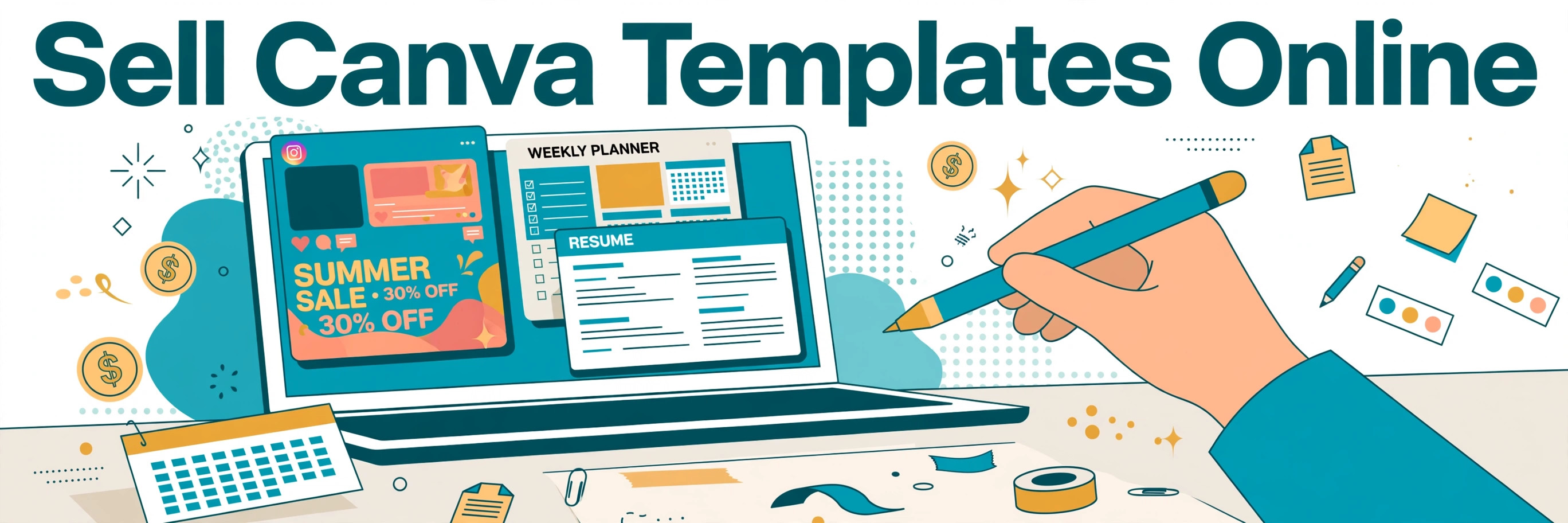
How Selling Canva Templates Online Actually Works
A Canva template is a pre-designed, editable file — a social media kit, a planner, a resume, a wedding invitation, or a business card layout — that a buyer opens in their own free Canva account and customizes. You are not selling a finished image. You are selling access to an editable design, usually delivered as a Canva share link set to "Anyone with the link can use template."
What buyers actually get
When a buyer clicks your template link, Canva opens a copy in their account. They change the text, colors, photos, and fonts, then download or print the result. You never ship anything, and there is no cost per sale beyond the marketplace fee — which is why templates are popular as a low-cost digital product.
Where Canva templates sell
Etsy is the most popular marketplace for beginners because buyers already search there for editable downloads. Creative Market is another option for higher-end design buyers. You can also sell from your own website or a simple storefront, which keeps more of the margin and gives you the buyer's email address — but you have to bring your own traffic. Many sellers list on Etsy first and add their own store later.
How delivery works
On Etsy, you upload a PDF or text file containing the template link and short instructions as the "digital download." The buyer downloads that file right after purchase and follows the link. Keep the instructions simple: one page, three steps, and a note that they need a free Canva account.
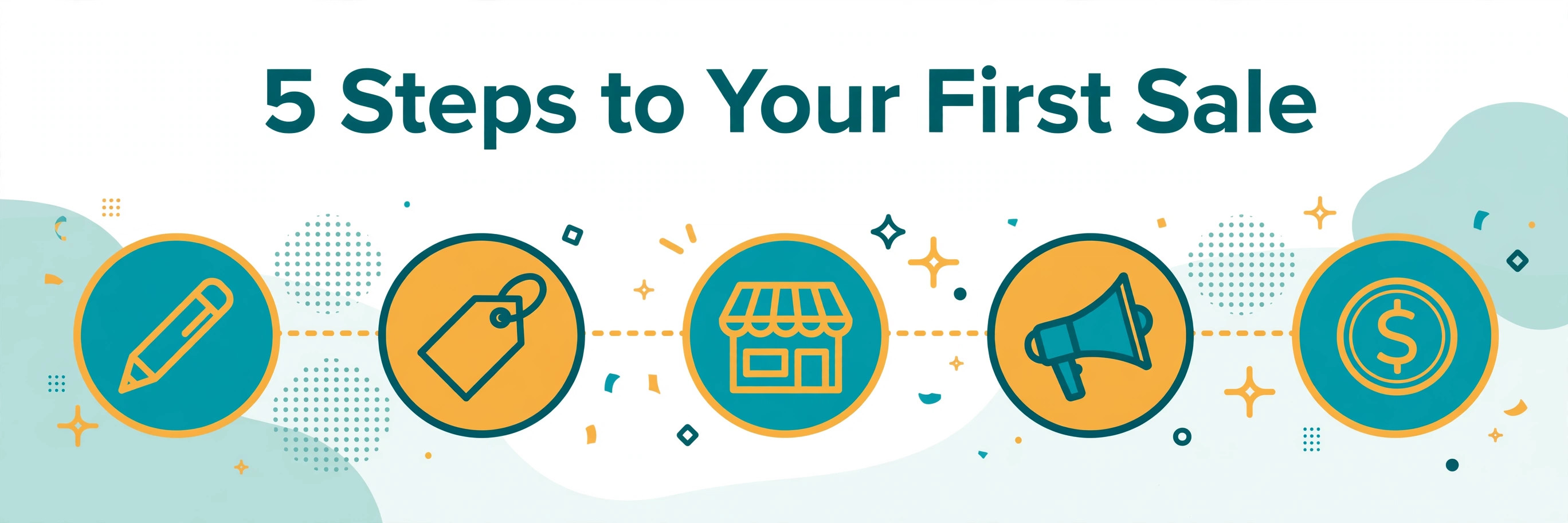
Step-by-Step: How to Sell Canva Templates Online
Step 1: Pick one template type to start
Choose a type you can design well and buyers actually search for: Instagram post kits, wedding invitations, planners, resumes, Pinterest pins, or business cards. One focused product line beats ten random designs, because buyers trust a shop that looks like it specializes in something.
Step 2: Design original templates from scratch
Build your layout from your own shapes, fonts, and uploaded assets. Canva's licensing rules are strict here: you cannot resell Canva's stock photos, illustrations, or elements on a standalone basis, and you cannot take an existing Canva design, change the colors, and sell it as your own. Designs must be made from scratch.
Step 3: Create a template share link
In Canva, use Share, then "Template link," so buyers open an editable copy instead of editing your original. Test the link yourself in a second browser window before listing it — a broken link is the fastest way to get a bad review.
Step 4: Price your templates fairly
Most Canva templates sell for between $5 and $30, set by depth: a single social media layout sits near $5, a themed set of ten to twenty designs holds $15 to $30, and a full brand kit or pitch deck can go higher. Price too low and buyers doubt the quality; price too high and a new shop with no reviews will struggle to get its first sale.
Step 5: List on Etsy or Creative Market
Write a clear title with the words buyers search for, such as "Editable Canva Instagram Template." Show mockups of the template in use, list exactly what is included, and explain delivery in plain language. Good mockups matter more than a long description — buyers decide from the images first.
Step 6: Promote with Pinterest and social media
Etsy brings some browsing traffic, but your own promotion speeds things up. Create Pinterest pins for each listing, share template previews on Instagram or TikTok, and link back to your shop. This is where a blog helps too: a post that teaches a design skill can naturally point readers to your template shop.
Step 7: Improve based on real feedback
Watch which listings get views and which get sales. Update weak mockups, add the template styles buyers ask for, and bundle bestsellers into packs. Small improvements to an existing listing often beat constantly adding brand-new products.
What Canva Templates Sell Best
Social media kits are the most consistent sellers, because small businesses and creators always need fresh posts. Planners and trackers sell well in January and around back-to-school season. Wedding and party invitations spike in spring and summer. Resume and media-kit templates appeal to job seekers and influencers. Before designing, search Etsy and Pinterest for your idea and look at how many sellers already offer it — a crowded niche is not a dead end, but it means your mockups and reviews have to stand out.
Do you need Canva Pro?
No. A free Canva account is enough to design and sell templates. Canva Pro (about $15–$18 a month) adds premium elements, background removal, and brand kits, which can speed up your work, but it is not required to make your first sale. Start free and upgrade only when your sales cover the cost.
Mistakes to Avoid When You Sell Canva Templates Online
Reselling Canva's stock elements or pre-made designs as your own — this can get your listing removed or your shop closed. Copying a popular seller's template instead of designing your own. Pricing everything at $2 and hoping volume saves you. Listing a template with a broken or wrong share link. Using blurry or misleading mockups that do not match the real template. Quitting after two weeks because the first listing did not sell.
What to Expect Realistically
Think of template sales as a slow-building side income. Your first sale may take days or weeks, and early months are often quiet while listings gather views and reviews. Shopify's guide to making money with Canva notes that one creator reported earning $2,000 per month through the Canva Creators program — that is the reported result of one creator, not a promise and not this blog's earnings. Results vary with design quality, niche demand, pricing, reviews, and how consistently you promote. The realistic goal is a small library of useful templates that keeps selling over time, not a single listing that replaces a job.
For more beginner earning ideas, see our Online Earning hub and our guide to selling digital products on Etsy.
FAQs
Can I sell Canva templates if I am not a designer?
Yes. Canva's drag-and-drop editor is built for non-designers, and buyers care more about a clean, useful layout than a design degree. Study best-selling templates in your niche, learn basic spacing and font pairing, and practice before listing.
Do I need Canva Pro to sell templates?
No. A free account works. Canva Pro adds convenience features, but your first sales can come from templates made entirely on the free plan, as long as you use only free elements or your own uploaded assets.
Where is the best place to sell Canva templates?
Etsy is the best starting point for most beginners because buyers already search there for editable downloads. Creative Market suits higher-end designs. Your own website keeps the most profit per sale but needs you to bring the traffic yourself.
How much can a beginner earn selling Canva templates?
It varies widely. Some sellers earn a few dollars a month at first; established shops with many listings and good reviews earn far more. Treat it as a side income that grows with your catalog, reviews, and promotion — not as guaranteed income.
Is it legal to sell Canva templates?
Yes, if you follow Canva's rules: design original layouts, do not resell Canva stock content or pre-made designs as your own, and deliver through a proper template link. Always check Canva's current licensing terms before listing, because the rules can change.
Disclaimer: This guide is for education only. Earnings depend on many factors and are never guaranteed. Any figures mentioned are other creators' reported results, shared for learning, not as a promise of similar results.
