
Etsy is best known for handmade goods, but some of its busiest shops sell nothing physical at all. Digital products — printable planners, templates, wall art, spreadsheets, and patterns — are created once and delivered to buyers as files, with no packing, shipping, or inventory to manage. That is why selling digital products on Etsy has become one of the most popular beginner-friendly ways to earn online in the United States.
This guide explains how Etsy digital products work, the steps to open and stock a shop, the mistakes that slow new sellers down, and what results to expect realistically. It is a learning guide, not an income promise: every shop's results depend on product quality, demand, pricing, and consistency.
For more beginner-friendly ways to earn online, visit our Online Earning guides hub.
How Selling Digital Products on Etsy Works
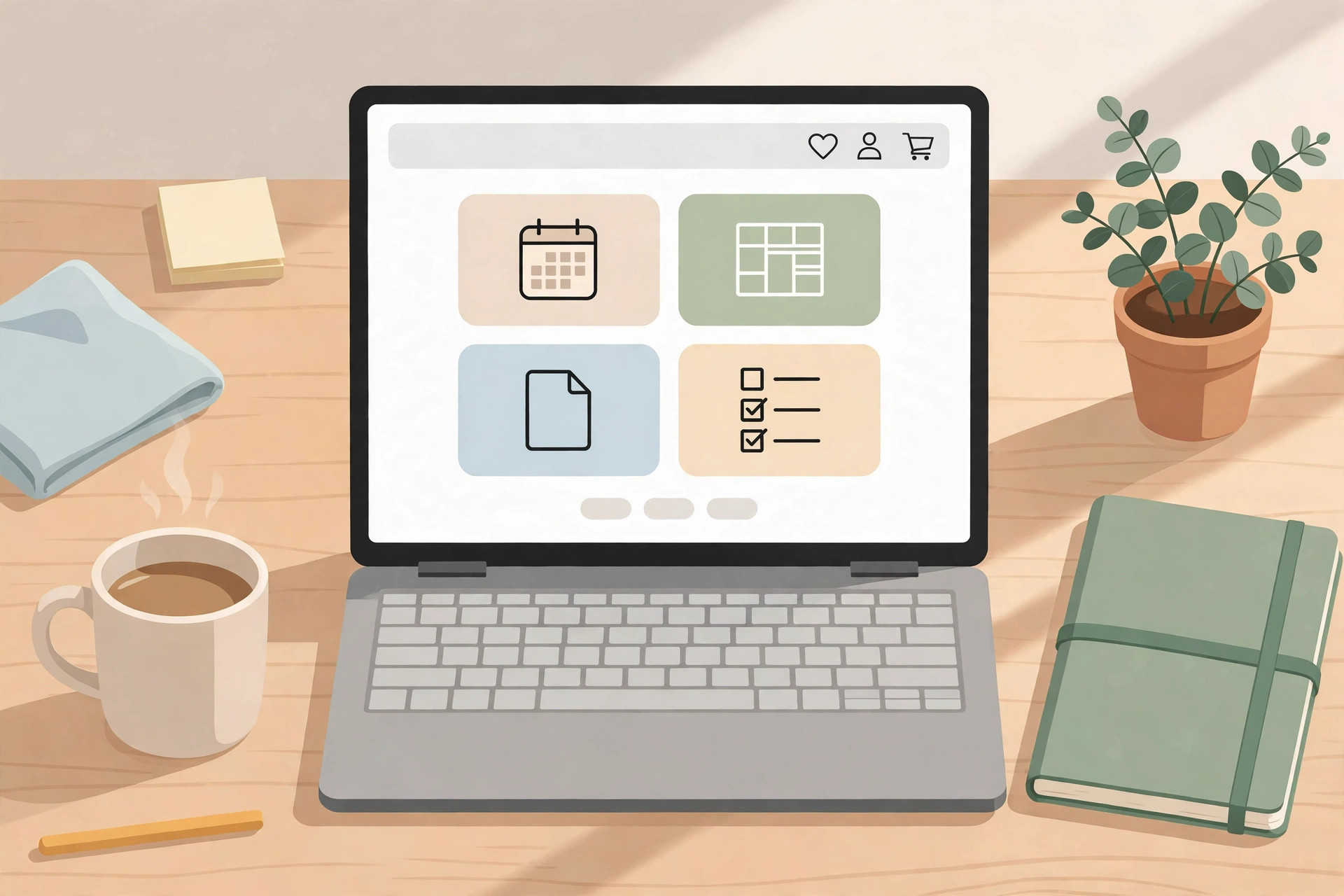
The model is simple. You design a file once — for example, a weekly meal planner PDF — and list it in your Etsy shop. A buyer purchases it, Etsy delivers the download link automatically, and the buyer prints or uses the file at home. You never touch a physical product, and one file can be sold many times.
Etsy charges fees on every sale, so pricing matters. As a rough guide for US sellers, expect a $0.20 listing fee per listing, a 6.5% transaction fee on the sale price, and payment processing of around 3% plus $0.25. Always check Etsy's current fee page before you set prices, because fees can change.
Popular digital product categories include printable planners and calendars, budget and finance spreadsheets, resume and invoice templates, teacher classroom resources, wedding and party invitations, wall art prints, sewing and crochet patterns, and social media templates. The best category for you is usually the overlap between what buyers search for and what you can actually design well.
Step-by-Step Breakdown for Beginners
Step 1: Pick one product type with real demand
Start with a single product type, not ten unrelated ideas. Type ideas into Etsy's search bar and watch the suggestions: those are real searches from real buyers. Look at how many shops sell similar items and how many sales the top listings show. Strong demand with room for a better version is a good sign; a category crowded with identical products is harder to enter.
Step 2: Avoid trademarked and copied designs
Never use characters, logos, quotes, or artwork you do not own or have a licence for. Listings built on famous brands or copied designs can be removed, and repeat problems can close a shop. Original work is slower to make, but it is the only foundation that lasts.
Step 3: Create a genuinely useful product
Design with free or low-cost tools such as Canva, Google Sheets, or Affinity, depending on the product. Export clean files in the formats buyers expect — PDF for printables, JPG or PNG for wall art, and a ZIP file when a product has several parts. Before listing, test-print the product yourself and open every file to check for errors, blurry text, or broken pages.
Step 4: Open your shop properly
Choose a short, memorable shop name, write a clear shop announcement, and fill in your shop policies, including how instant downloads work and that digital products are usually non-refundable once downloaded. Set up Etsy Payments so buyers can pay by card and other common methods.
Step 5: Write listings that answer buyer questions
Your title should include the words buyers type, such as "weekly meal planner printable PDF" rather than a clever name nobody searches for. Use all available listing photos: show the product in use, show every page, and add a simple graphic explaining what is included, the file formats, and the sizes. In the description, state exactly what the buyer gets, how the download works, and that the product is for personal use unless you offer a commercial licence.
Step 6: Price for profit after fees
Simple printables commonly sell in the $3 to $15 range, while larger bundles and spreadsheet toolkits can sell higher. Work backwards: after Etsy's listing, transaction, and payment fees, plus any advertising cost, does the price still leave you a margin worth your design time? Pricing too low is a common beginner error — a $1 product can lose money once fees and ad clicks are counted.
Step 7: Launch with several listings, then promote
A shop with one listing rarely gets found. Aim for at least ten related listings before judging results, so buyers who find one product can browse others. Share your listings on Pinterest, where visual search traffic suits printable products well, and consider a small Etsy Ads budget only after your listings already convert from organic visits.

Mistakes to Avoid
Copying a bestseller's design instead of making your own version. Using trademarked characters or brand names to get traffic. Opening with a single listing and expecting steady sales. Uploading blurry or misleading mockups that do not match the real file. Writing vague descriptions that leave buyers guessing about sizes, formats, or printing. Pricing so low that fees eat the whole sale. Quitting after two weeks because the first listings did not sell. Buying fake reviews or traffic, which can get a shop penalised.
What to Expect Realistically
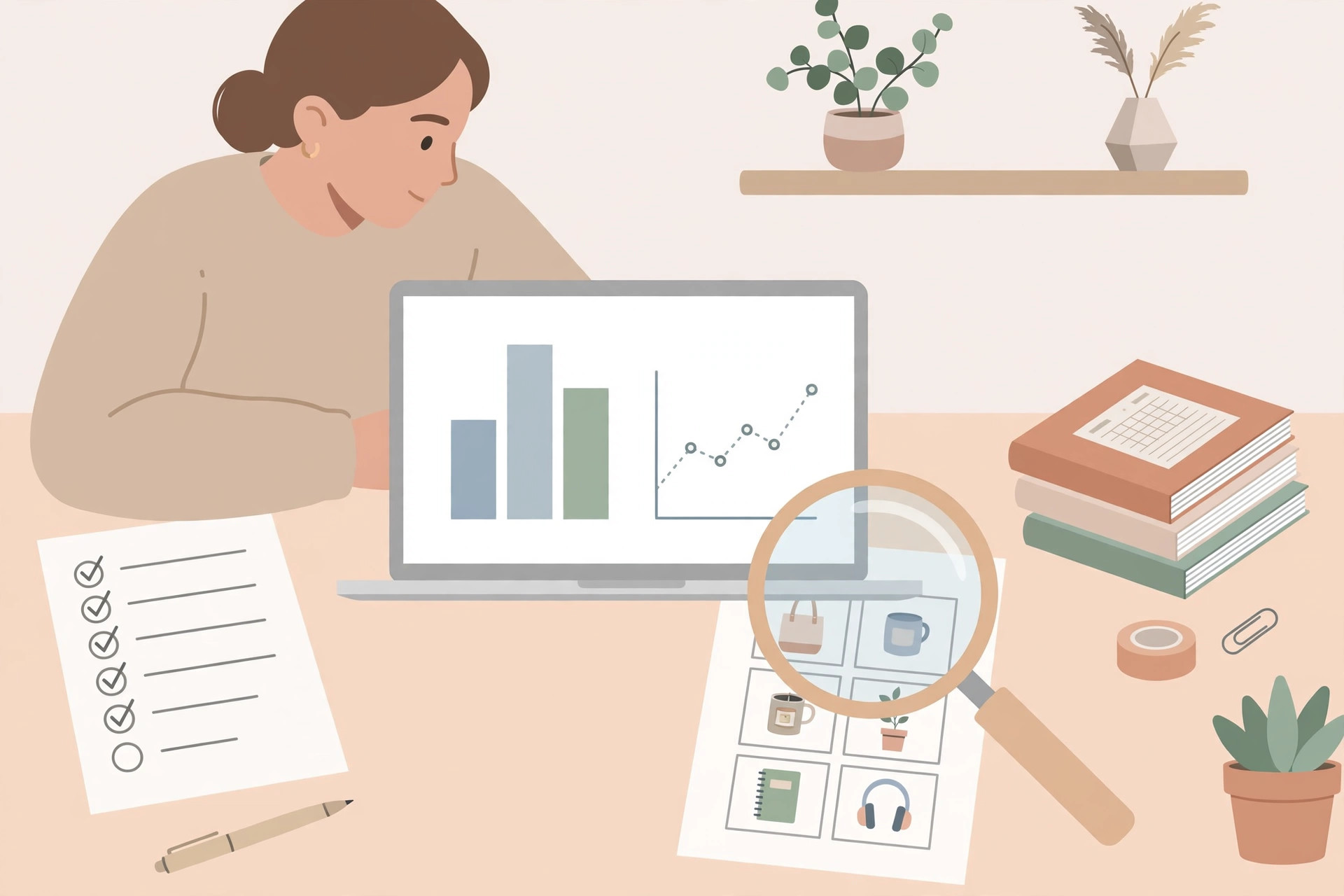
Digital products are often called passive income, but the honest term is semi-passive. The product is made once, yet the shop still needs new listings, updated photos, seasonal products, and customer messages — buyers regularly ask for download help or printing advice. Most new shops take weeks to get a first sale, and steady sales usually come only after a shop has dozens of quality listings and a few months of search history. Results vary widely with niche, design quality, pricing, and effort, and no outcome is guaranteed.
Also plan for the business side: keep records of your sales and fees, and remember that in the US, self-employment income is taxable even when no tax form is issued. A simple spreadsheet tracking revenue, fees, and expenses from day one will save trouble later.
FAQs
Do I need design skills to sell digital products on Etsy?
You need basic design ability, not professional training. Many sellers start with Canva templates and simple layouts, then improve as they learn what buyers like. Pick a product type that matches skills you already have, such as spreadsheets if you are comfortable with formulas, or printables if you enjoy layout design.
How much does it cost to start an Etsy shop?
Etsy charges $0.20 to publish a listing, which stays active for four months, plus transaction and payment fees only when something sells. Beyond that, your main costs are your time and any design tool subscriptions you choose. Starting with free tools keeps the upfront cost close to zero.
How do buyers receive their files?
For digital listings, Etsy delivers a download link automatically after purchase, and buyers can also find their files in their Etsy account under Purchases. That is why clear instructions in your listing matter: many first-time buyers need a short note explaining where to find the download.
Can I resell templates or graphics I bought elsewhere?
Usually no. Most templates and graphics are sold with a personal-use licence, and reselling them as your own product violates that licence. Sell only work you created yourself or work you are explicitly licensed to resell.
How many listings do I need before sales start?
There is no magic number, but shops with more listings get more chances to appear in search. A realistic beginner goal is 20 to 50 quality listings in one niche, built over a few months, rather than one listing expected to carry the whole shop.
Disclaimer: This guide is for education only. Earnings depend on demand, product quality, pricing, fees, and consistency, and are never guaranteed. Etsy fees and policies change over time, so always confirm the current terms on Etsy's official site before opening a shop.
