
There is no faster way to get into the Christmas spirit than changing your phone wallpaper. One beautiful festive image on your lock screen turns every glance at your phone into a small moment of holiday cheer — and it costs nothing. This post brings you 5 free Christmas wallpapers for iPhone, all in full HD (1152 × 2048), ready to download in one tap. Every wallpaper below is an original AI-generated image made for this post, free for personal use on your phone, and each one comes with its own full-resolution download link.
All five wallpapers are sized for modern iPhones — from the iPhone 11 through the iPhone 17 range — and they also fit most Android phones, since the tall 9:16 ratio is the same. No sign-up, no app to install, no watermark. Just tap a download link, save the image, and set it as your wallpaper.
Jump to: The 5 Wallpapers · How to Set on iPhone · How to Set on Android · Lock Screen Tips · FAQ
5 Free Christmas Wallpapers for iPhone (HD Download)
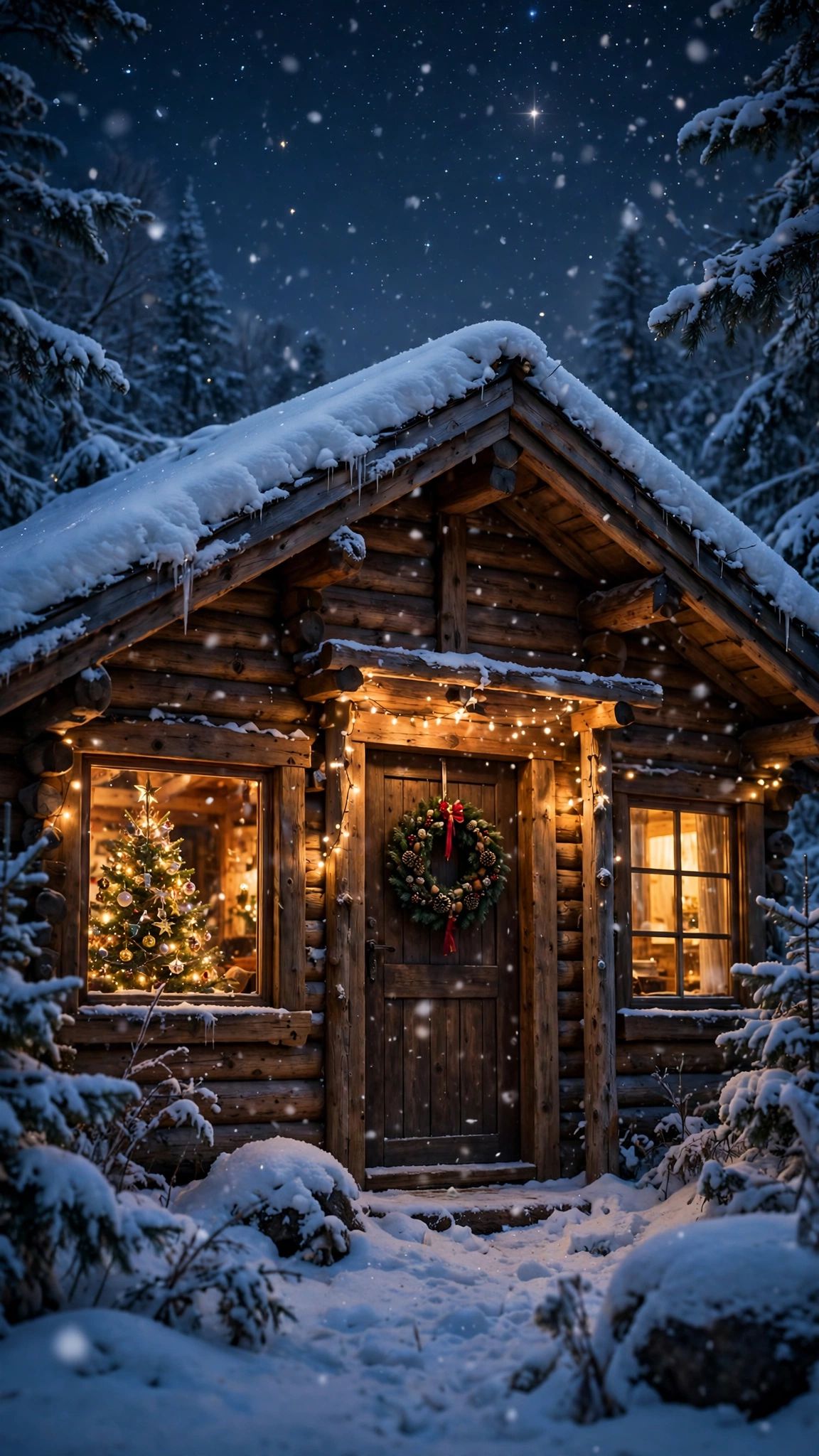
1. Snowy Cabin Christmas Night
A wooden cabin in the snow, warm light glowing from the windows, a decorated Christmas tree shining through the glass and a wreath on the door. This is the cosiest wallpaper in the set and the one most people pick first — the deep blue night sky makes your clock and notifications easy to read, while the warm golden windows give the whole screen a calm, festive glow. Perfect as a lock screen.
Download Snowy Cabin Christmas Night — full HD (1152 × 2048)
2. Snowy Pines and Fairy Lights
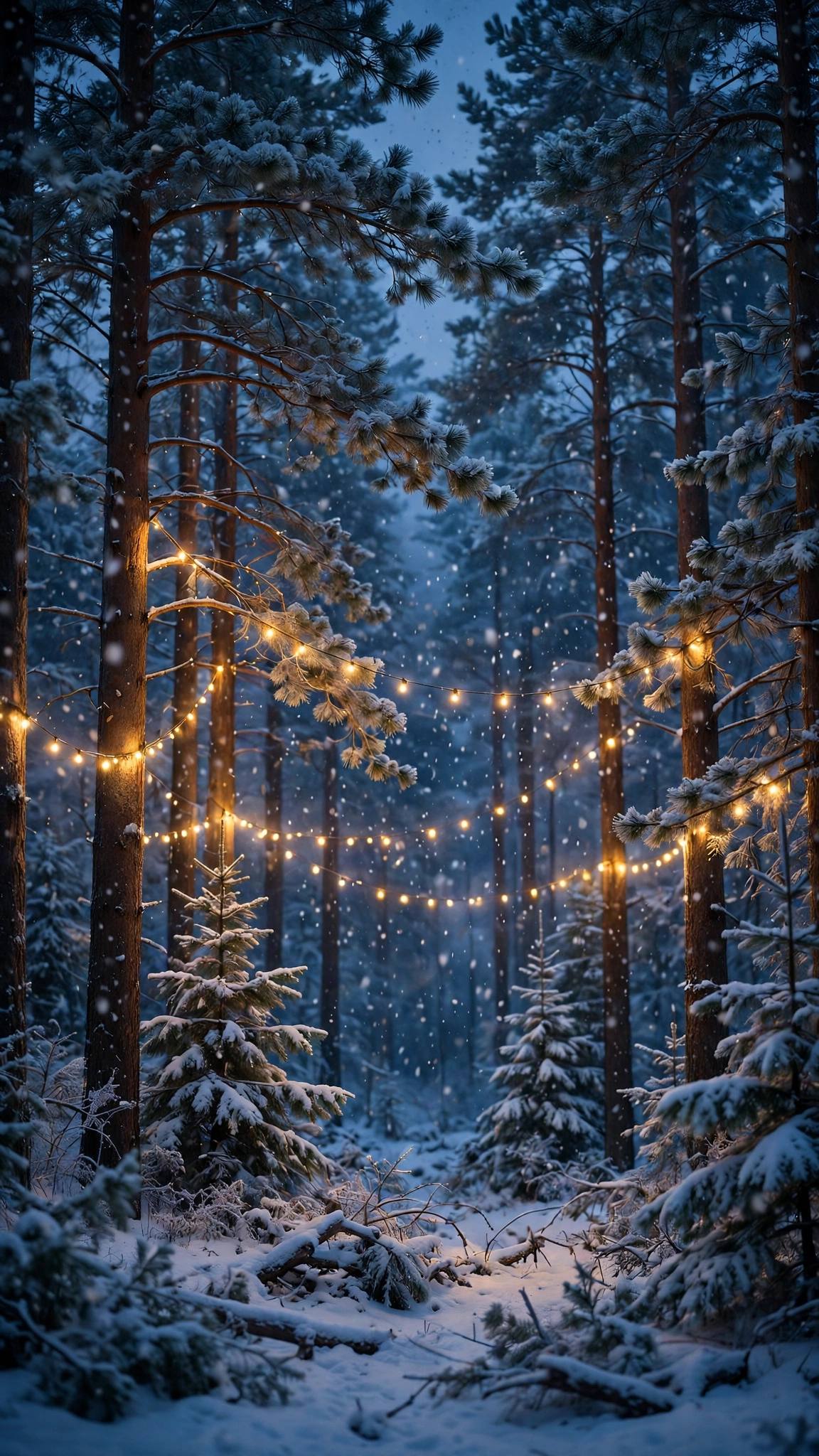
Snow-covered pine trees at dusk, soft golden fairy lights strung between the branches, and gentle snow falling through a deep blue evening sky. This one is calm and elegant — it looks beautiful behind your app icons because the top and bottom of the image stay dark and uncluttered. A great choice if you like a peaceful, wintry home screen rather than a busy one.
Download Snowy Pines and Fairy Lights — full HD (1152 × 2048)
3. Red and Gold Christmas Baubles
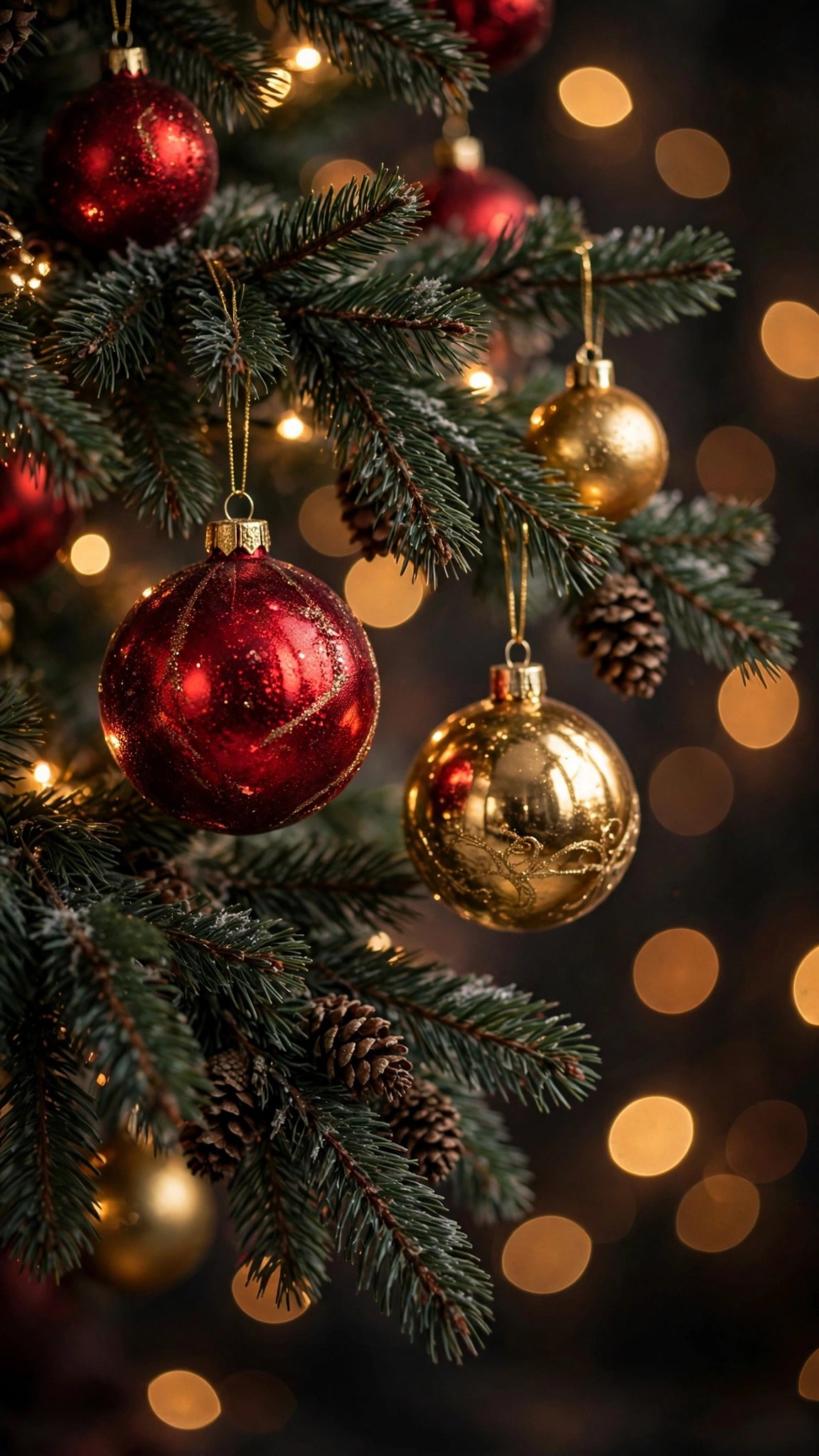
Rich red and gold baubles hanging from pine branches, with soft fairy-light bokeh glowing behind them. This is the most traditional Christmas wallpaper in the collection — bold, festive and full of colour. It works especially well as a home screen wallpaper, where the bright ornaments sit behind your apps without making them hard to see. If your phone case is red or gold, this one matches beautifully.
Download Red and Gold Christmas Baubles — full HD (1152 × 2048)
4. Reindeer Under the Northern Lights
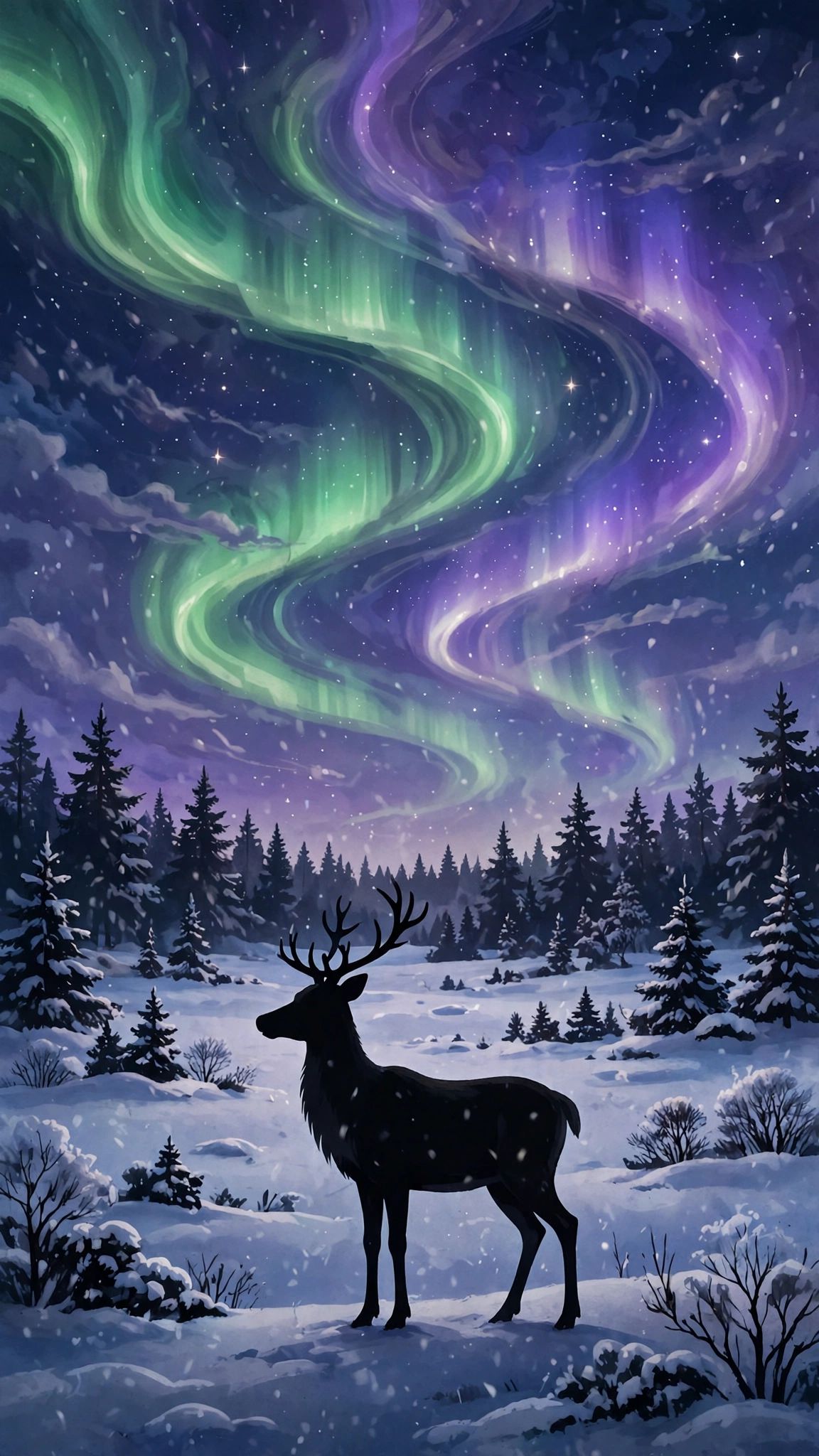
A reindeer standing in a snowy field under a green and purple aurora borealis sky. This is the most magical wallpaper of the five — part Christmas, part winter wonderland — and it is the best pick if you want something different from the usual tree-and-baubles images. The dark sky at the top keeps the time and date readable on your lock screen, and the glowing aurora looks stunning on OLED screens like the iPhone 15 Pro and iPhone 16 range.
Download Reindeer Under the Northern Lights — full HD (1152 × 2048)
5. Hot Cocoa by the Fireplace
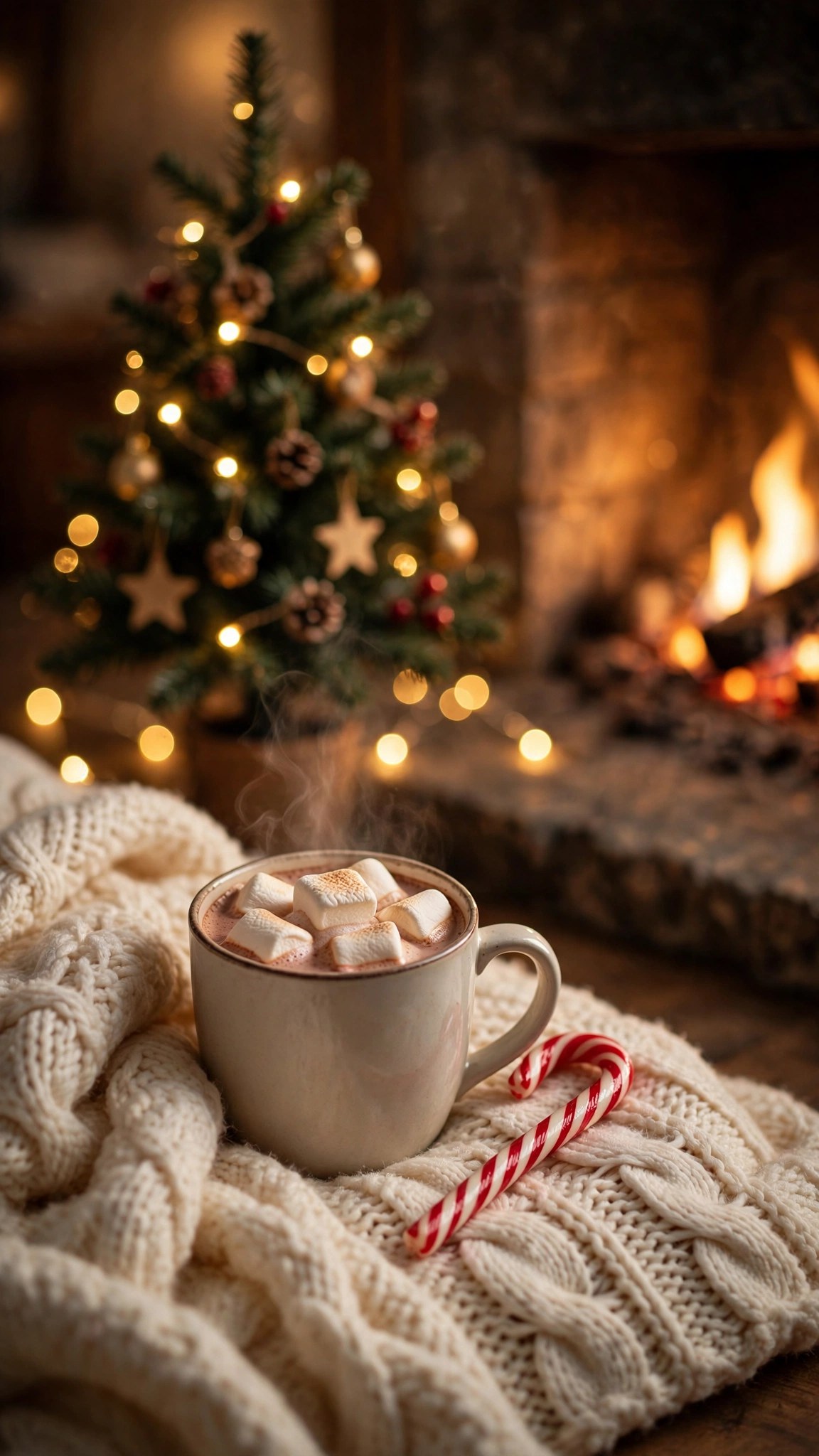
A mug of hot cocoa topped with whipped cream and a candy cane, resting on a knitted blanket beside a glowing fireplace, with a small Christmas tree softly blurred in the background. Warm, cosy and a little bit indulgent — this one feels like a quiet evening in December. It is a lovely choice for the last weeks before Christmas, when the days are short and the cocoa is on.
Download Hot Cocoa by the Fireplace — full HD (1152 × 2048)
How to Set a Christmas Wallpaper on iPhone
Setting one of these wallpapers takes less than a minute:
- Tap a download link above, then press and hold the image and choose Add to Photos (or tap the share icon and choose Save Image).
- Open the Photos app and find the wallpaper you saved.
- Tap the Share button, then tap Use as Wallpaper.
- Pinch to adjust the position, then choose Set as Wallpaper Pair (both lock screen and home screen) or set the lock screen and home screen separately.
- On iOS 16 and later, you can also long-press your lock screen, tap the + button, choose Photos, and pick the wallpaper from there.
Tip: the lock screen and home screen can use different images. Try the Snowy Cabin on your lock screen and the Red and Gold Baubles on your home screen — the contrast looks great.
How to Set a Christmas Wallpaper on Android
On Samsung, Pixel and most other Android phones:
- Tap a download link above and save the image to your gallery.
- Open the Gallery or Photos app and open the image.
- Tap the three-dot menu and choose Set as wallpaper, or go to Settings → Wallpaper & style → Change wallpaper and pick the image from your gallery.
- Choose Home screen, Lock screen, or both, and adjust the crop so the main subject stays in frame.
5 Tips for a Beautiful Christmas Lock Screen
- Keep the top clear: the clock sits at the top of your lock screen, so wallpapers with a darker sky at the top — like the Snowy Cabin and the Reindeer Aurora — stay readable.
- Match your widgets: on iPhone, a photo with warm gold tones pairs well with the default clock font; on Android, try a matching accent colour in Material You settings.
- Use Depth Effect carefully: on iOS, the cabin roof and the pine trees can overlap the clock nicely with Depth Effect on — but turn it off if the clock becomes hard to read.
- Change it through December: start with the Snowy Pines in early December, switch to the Baubles mid-month, and finish with the Hot Cocoa on Christmas week.
- Save the originals: keep the downloaded files in a "Christmas Wallpapers" album in your Photos app so you can switch back to a favourite next year without searching again.
Are These Christmas Wallpapers Really Free?
Yes. All five wallpapers in this post are free for personal use on your phone — set them as your lock screen or home screen, share them with family, and come back for more. They are original images created for JustMobilePk, so you will not find the exact same wallpapers anywhere else. The only thing we ask is that you do not re-upload them to another website or sell them as your own work. For commercial use, please contact us first.
If you enjoy free wallpapers, you will also like our full collection on the JustMobilePk wallpapers page, where we gather our best phone backgrounds in one place.
Frequently Asked Questions
What size are these Christmas wallpapers?
Each wallpaper is 1152 × 2048 pixels (9:16 ratio), which is full HD for phones. They fit iPhone models from the iPhone 11 to the iPhone 17, and most Android phones with a tall screen. Your phone will crop the edges slightly when you set the wallpaper — pinch to adjust if needed.
Will these wallpapers work on Android phones too?
Yes. The 9:16 ratio is the standard phone screen shape, so the same files work on Samsung, Google Pixel, Xiaomi and other Android phones. Follow the Android steps above to set one.
Do the wallpapers have watermarks?
No. None of the five wallpapers has a watermark or any text on it. The images you download are exactly the clean images you see in this post.
Can I use these wallpapers on my tablet or computer?
They are made for phones, so on a tablet or computer they will look stretched or cropped. For a desktop background, look for a 16:9 version — we plan to add Christmas laptop and desktop wallpapers in a future post.
How do I download a wallpaper on my iPhone?
Tap the download link under the wallpaper you like, press and hold the image that opens, and choose "Add to Photos". Then open the Photos app, tap Share, and choose "Use as Wallpaper". That is all — no app or account is needed.
Final Thoughts
A new wallpaper is the smallest Christmas decoration you can make — and the one you will see most often. Pick your favourite from the five above, set it in under a minute, and let your phone feel festive all through December. And if you are planning the holiday table too, our guide to 15 easy Thanksgiving side dishes is a good place to start your holiday cooking.
Follow JustMobilePk on Pinterest for more free wallpapers and seasonal ideas through December.
